Visualizing STL files inside the terminal
Visual projection options and cool maths behind it
In Progress
Introduction
I was watching a cool video discussing perspective projection and how understanding the simple math behind it can provide useful intuition when dealing with 3-dimensional visualization.
Simultaneously, I’ve been transitioning my workflow out of VS code, progressively transitioning into a keyboard-centric workflow. It occurred to me that it probably wouldn’t take long to create a low-effort 3D model viewer for STL files, given their inherent bare-bones methodology. As an avid user of my 3D printer, I also have a bunch of stl files and I thought it would be a fun little idea to tinker with and see what if there were any aesthetic visuals that could come of it.
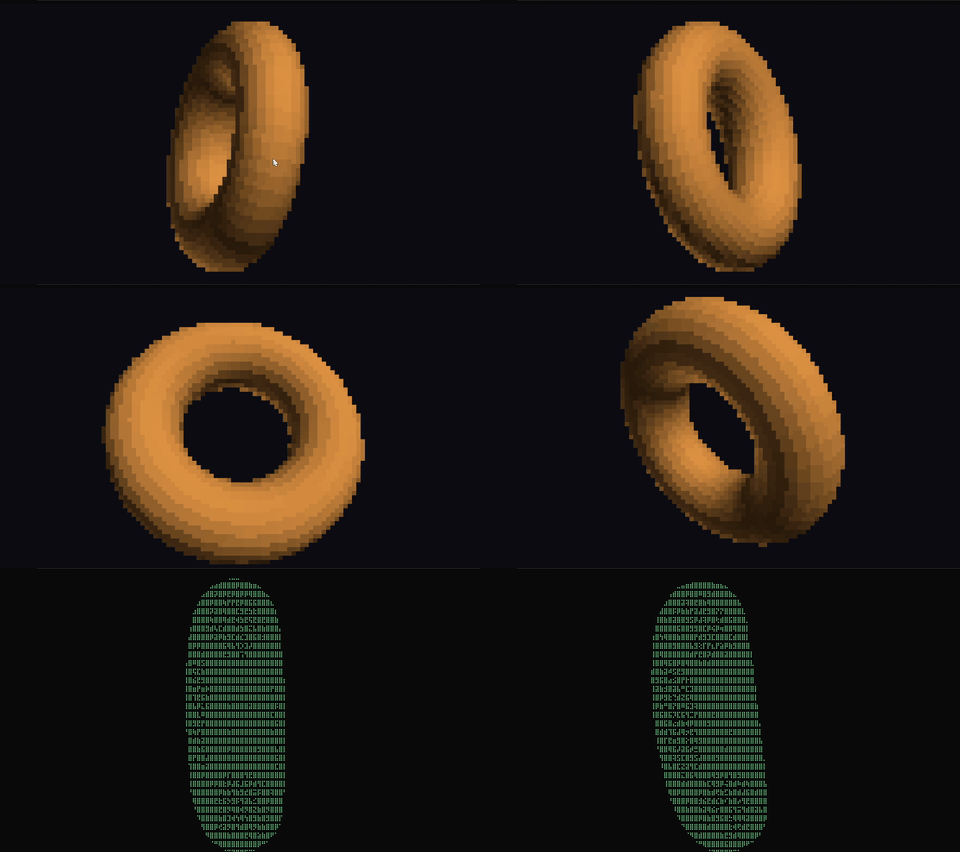
Scoping: Parallel Projection vs Perspective Projection
Immediately, we have to distinguish between two main methods for propagating 3-dimensional information into a 2-dimensional view. I realized most tools don’t actually use perspective projection (understandably). I wanted to replicate the more ubiquitous Parallel (aka Orthographic) projection first to see how the math and visuals differed inside the terminal.
Visualizing the vectors
Before I began working out the math, I had to consider how I was going to print the vectors to screen. I really wanted to focus on keeping the stereotypical-coder-vibe so that meant figuring out which ASCII characters I’d be using. Lacking the vision and artistry of an ioccc participant, I chose to compose the results from the ascii braille set; with the hopes of maximizing detail.